

Everyday work
Keep the little things moving.
Reminders, routines and scheduled work run while your computer is awake. Give something a time, and OpenDot can come back to it.

Reminders, routines and everyday work, handled on your own computer with the ChatGPT plan you already have.
Free and open source · Windows 10/11 · v0.1 preview
Meet OpenDot
Start with a conversation. Keep a reminder, build a routine, or schedule work for later. OpenDot stays with it, and brings decisions back to you.
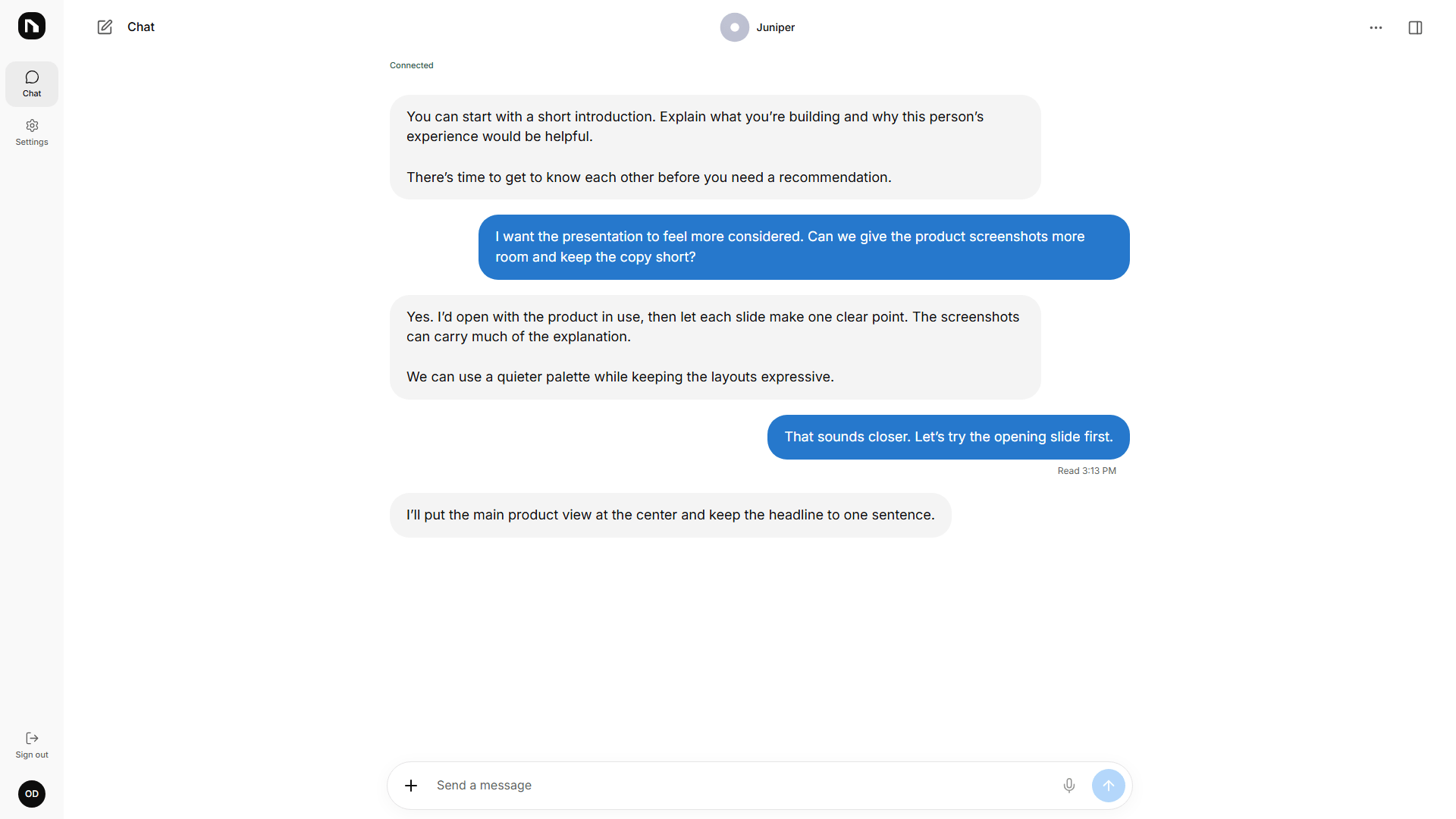
A companion with useful abilities, and clear limits you control.
Everyday work
Reminders, routines and scheduled work run while your computer is awake. Give something a time, and OpenDot can come back to it.
Permission first
Actions go through rules, approvals and a reviewer pass. Sending and posting always ask. Deleting data in outside apps, spending money, and security or password changes are left to you.
Your budget
Credits are metered per task and per day, with hard pauses at your limits. OpenDot never switches providers or turns on paid usage by itself.
Connected apps
Connect Gmail, Google Calendar and GitHub. You choose what to connect; Google connections use your own Google OAuth client.
Local by design
Your database is local SQLite, secrets stay in your OS keychain, and the API listens only on 127.0.0.1. Model requests go to the provider you choose.
Built to resume
Tasks are saved step by step. After a restart, OpenDot resumes the work without repeating actions it already finished.
Your own companion
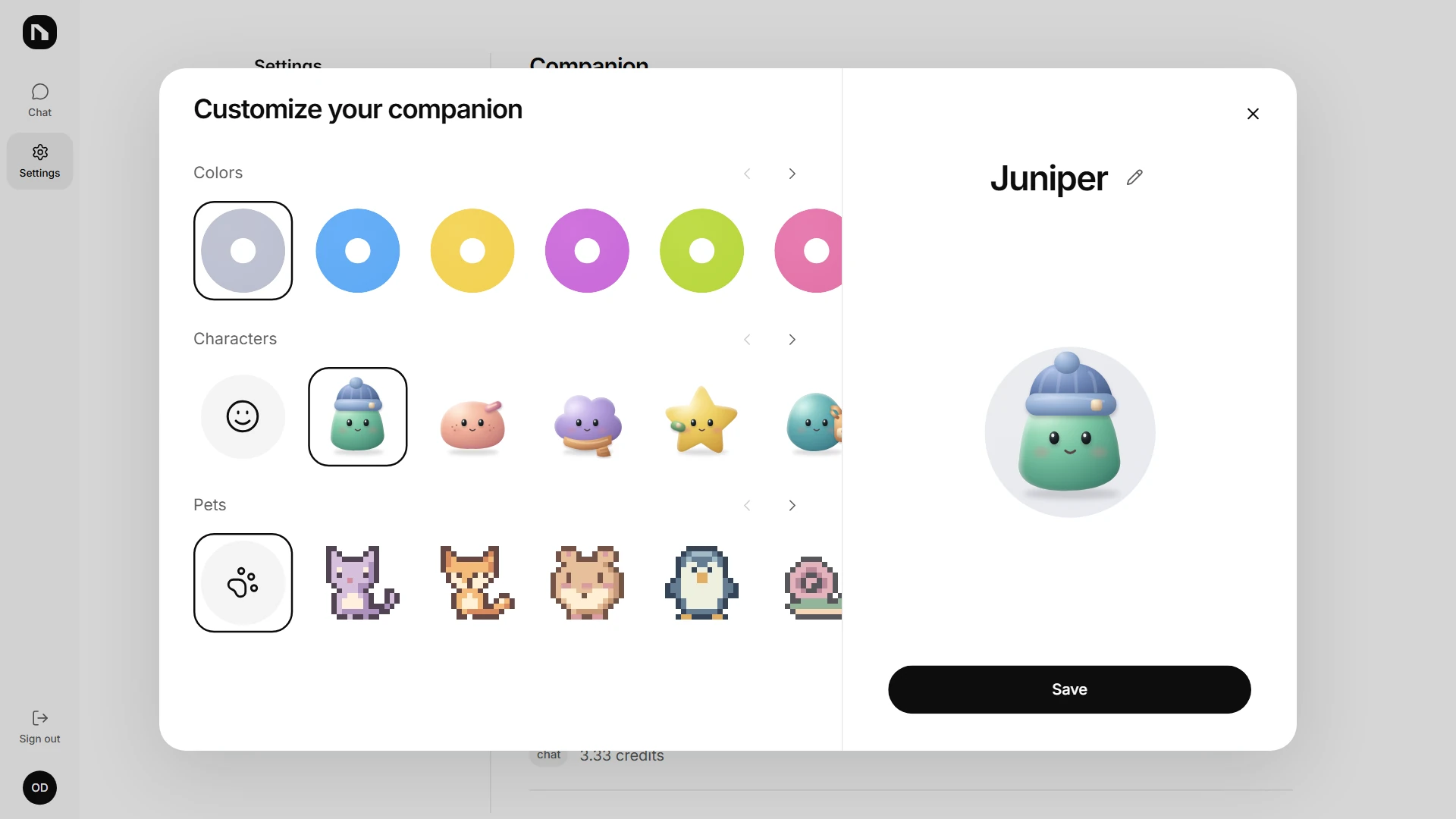
Pick a color, choose an original 3D character, and add a pixel pet. Give your companion a name that feels like yours.
How it works
Start with the Windows preview, or build from source on the OS you call home.
Download the Windows installer and open OpenDot, or run from source on macOS, Windows or Linux.
Follow the sign-in flow using your own ChatGPT Plus or Pro plan. If running from source, open the UI from a second terminal and enter the one-time code it prints.
Add Gmail, Google Calendar or GitHub from Settings. Bring your own Google OAuth client for Google connections, and set your rules and budgets.
Quick start / from source
Requirements: Python 3.12, uv, Node 20+ with pnpm, and ChatGPT Plus or Pro.
Keep the first terminal running. Open the second terminal in the opendot folder.
The preview installer isn't code-signed yet, so Windows SmartScreen may warn you. Click More info, then Run anyway.
git clone https://github.com/ndunl075/opendot.git
cd opendot
uv sync --project daemon
cd ui && pnpm install --frozen-lockfile && pnpm build && cd ..
uv run --project daemon opendot serveuv run --project daemon opendot openA few things to know
OpenDot is free and open source under Apache-2.0. You need your own ChatGPT Plus or Pro subscription for the default sign-in; that subscription is separate from OpenDot.
Not by default. OpenDot uses your ChatGPT plan through the official “Sign in with ChatGPT” program, subject to your plan's usage limits. API keys, OpenRouter and local models are opt-in. Paid providers can have their own costs; OpenDot never enables them or switches providers on its own.
OpenDot stores its data in SQLite on your computer and secrets in your OS keychain. Its API listens only on 127.0.0.1. Model requests send the context they need to your chosen provider, and connected apps communicate with their services. Local storage does not mean every request stays offline.
The preview installer supports Windows 10/11. macOS, Windows and Linux can all run OpenDot from source with Python 3.12, uv, and Node 20+ with pnpm.
Yes. Download the Windows installer for the v0.1 preview. It isn't code-signed yet. A macOS installer is coming; on macOS, Windows or Linux you can also run from source.
OpenDot is an independent open-source project. It is not affiliated with, endorsed by, or sponsored by OpenAI. ChatGPT is a trademark of OpenAI.